
Last updated on August 25th, 2026 at 01:42 pm
The engine control module in a 2009 Saturn Outlook manages fuel delivery, ignition timing, and emissions controls. Failure typically results from internal circuitry faults, leading to loss of power, stalling, or diagnostic trouble codes that prevent normal operation.
When a 2009 Saturn Outlook exhibits symptoms like rough idle, loss of power, or specific trouble codes, the engine control module is often the culprit. This guide explains what the ECM does, how to access and replace it, and what programming steps are required. By following these instructions you can understand the process, avoid common pitfalls, and ensure your vehicle returns to reliable operation.
In the 2009 Saturn Outlook the engine control module monitors sensor inputs and commands fuel injectors, spark timing, and emissions components. It is essential for maintaining engine efficiency and meeting emissions standards. Proper operation ensures smooth acceleration and fuel economy. The module works closely with the powertrain control module to coordinate shifting and torque delivery. replacement engine computers for the Saturn Outlook help restore these functions when the original unit fails.
The ECM is mounted within a bracket under the engine compartment. To remove it, gently lift the retaining tab and pull the module out of its support brackets, taking care not to touch the connector pins as warned by the factory caution. The book time for removal and reinstall is listed as 0.9 hours, reflecting the straightforward access once the bracket is opened.
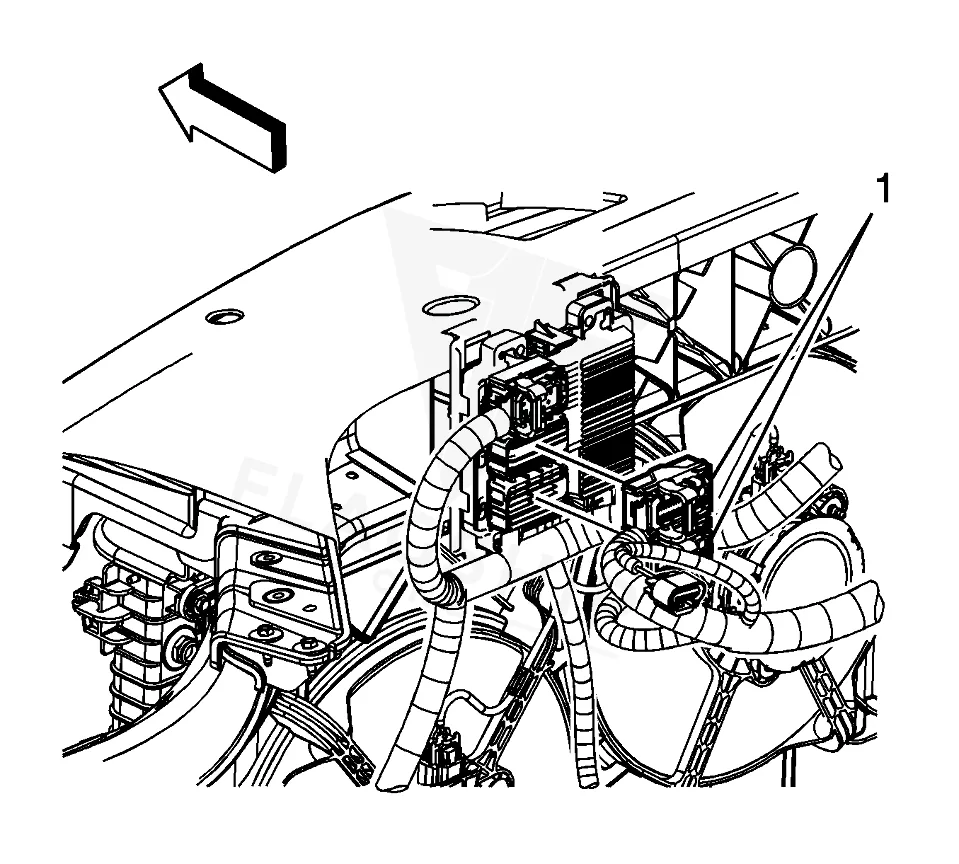
Work with the ignition off, and treat the module as static-sensitive: avoid touching the connector pins at any point.
| Operation | Configuration | Book Time |
|---|---|---|
| Powertrain Control Module R&R | All configurations | 0.9 hr |
| Engine Control Module R&R | All configurations | 0.9 hr |
| Engine Control Module Relearn | All configurations | 0.5 hr |
2009 Saturn Outlook
OEM programmed ECM for your 2009 Saturn Outlook — plug & play, no dealer visit.
Free shipping · Lifetime warranty
After installing a new ECM in a 2009 Saturn Outlook you must capture the existing module data with a scan tool before removal, then reprogram the replacement using the correct vehicle calibration and special equipment. Flagship One units arrive VIN‑programmed, so those steps are already completed. a VIN-programmed replacement unit eliminates the need for on‑site reprogramming.
Typical signs of a failing ECM in this vehicle include a no‑start condition, intermittent stalling, rough idle, and loss of power. Diagnostic trouble codes such as internal control module memory error may appear, and the scan tool may lose communication with the engine. These symptoms often correlate with the timing chain wear bulletin for this model.
The following internal trouble codes have been documented for the 2009 Saturn Outlook and can guide diagnosis:
Service bulletin #10287C, dated April 13, 2012, addresses premature timing chain wear and recommends reprogramming the engine control module as part of the corrective action.
| Bulletin | Subject | What It Addresses |
|---|---|---|
| — | Customer Satisfaction – Premature Timing Chain Wear-Reprogram Engine Control Module – (Apr 13, | — |
The factory labor guide lists 0.9 hours for removal and installation of the engine control module.
Yes, the reprogramming requires the correct software, calibration data, and a compatible scan tool as specified by the manufacturer.
Reprogramming the ECM is part of the remedy outlined in service bulletin #10287C, which targets timing chain wear concerns.
When the ECM in your 2009 Saturn Outlook fails, you can choose a factory‑repaired unit or a refurbished replacement that meets original specifications. Both options restore engine management functions, but a refurbished module may offer cost savings while still delivering reliable performance.
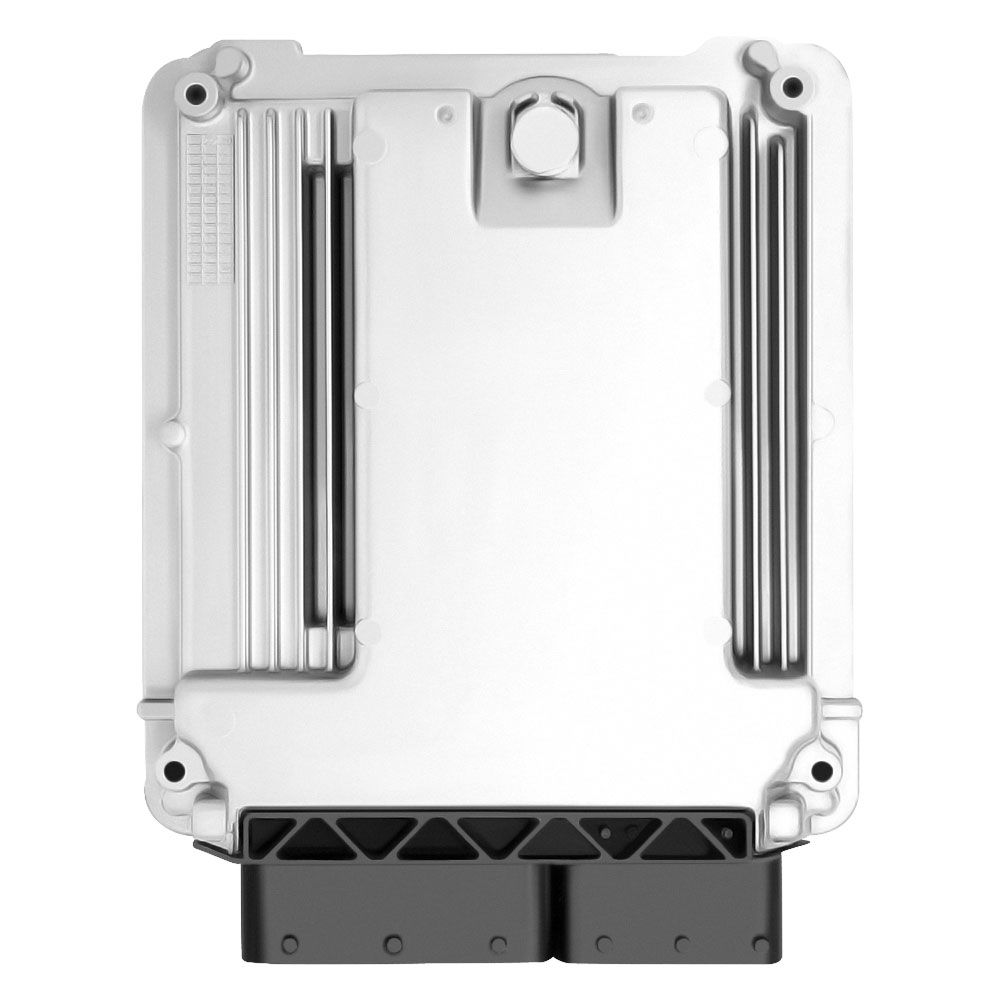
Flagship One stocks a refurbished, VIN-programmed PCM for the 2009 Saturn Outlook with a lifetime warranty, free shipping and no core charge. The full Saturn Outlook module lineup covers other engine configurations as well.
Replacing the engine control module on a 2009 Saturn Outlook can resolve no‑start and performance issues. Consider your repair options and ensure proper programming for lasting results.