
Last updated on August 25th, 2026 at 02:28 pm
The Powertrain Control Module (PCM) in your 2001 Chevrolet Venture manages engine and transmission functions. Failures may cause erratic performance, no-start conditions, or diagnostic communication issues with generic scan tools.
If your 2001 Chevrolet Venture is experiencing unexplained stalling, poor acceleration, or scan tool communication failures, the Powertrain Control Module (PCM) may be the culprit. This critical component oversees engine timing, fuel delivery, and transmission behavior. Replacing it involves more than swapping hardware—factory procedures require precise programming to avoid persistent issues. Understanding the module’s role, location, and proper replacement steps helps you make informed decisions about repairs or replacements. This guide covers what the PCM does, where it’s located, and how to approach service without unnecessary complications.
The PCM in your 2001 Chevrolet Venture acts as the brain for both engine and transmission systems. It processes sensor data to optimize fuel injection, ignition timing, and shift points, ensuring smooth operation. A failing PCM replacement engine computers for the Venture may cause poor drivability, diagnostic tool errors, or even prevent the vehicle from starting. Since it integrates multiple control functions, its reliability directly impacts overall performance. Factory service procedures emphasize caution during replacement to avoid introducing new issues, particularly with programming or electrical connections.
In the 2001 Chevrolet Venture, the PCM is mounted next to the air cleaner assembly. Accessing it requires removing the air cleaner housing, which adds minimal complexity to the job. Labor estimates for replacement are typically 1.1 hours, while the relearn procedure takes an additional 0.5 hours. No specialized tools are mentioned for removal, but care should be taken to avoid damaging connectors or wiring during the process. The factory procedure does not specify torque values for reinstallation, so following standard electrical connection practices is recommended.
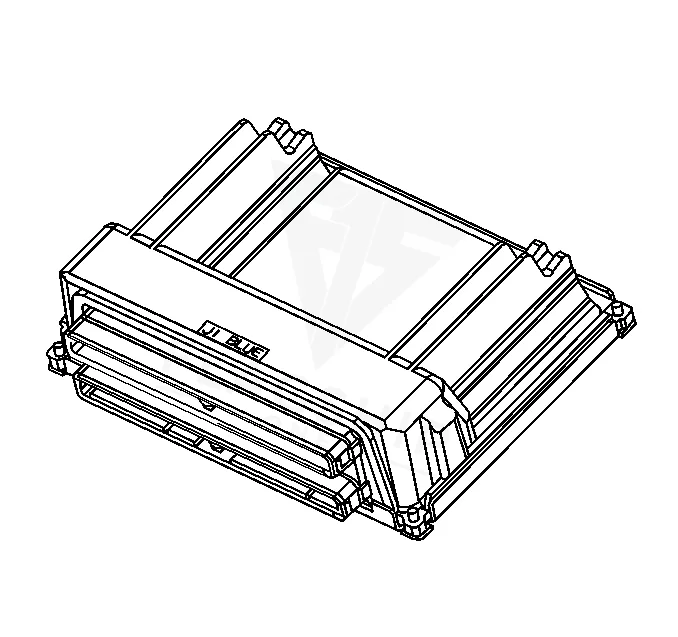
Work with the ignition off, and treat the module as static-sensitive: avoid touching the connector pins at any point.
| Operation | Configuration | Book Time |
|---|---|---|
| Engine Control Module R&R | All configurations | 1.1 hr |
| Engine Control Module Relearn | All configurations | 0.5 hr |
| Powertrain Control Module R&R | All configurations | 1.1 hr |
| Powertrain Control Module Relearn | All configurations | 0.5 hr |
2001 Chevrolet Venture
OEM programmed ECM for your 2001 Chevrolet Venture — plug & play, no dealer visit.
Free shipping · Lifetime warranty
After installing a new PCM in your 2001 Chevrolet Venture, the factory requires a relearn procedure, which takes about 0.5 hours. This step ensures the module synchronizes with the vehicle’s sensors and systems. However, a VIN-programmed replacement unit arrives ready to install, eliminating the need for post-install programming. Factory cautions stress that programming should only be performed when directed by a service bulletin or procedure, as improper attempts may not resolve the issue and could introduce new problems.
A failing PCM in the 2001 Chevrolet Venture may cause a range of symptoms, including intermittent stalling, rough idle, or a no-start condition. You might also notice poor acceleration, shifting irregularities, or a lack of communication with generic scan tools. Internal faults, such as control module memory checksum error, often trigger the check engine light and may lead to drivability issues if left unaddressed. These symptoms can mimic other problems, so proper diagnosis is key before replacing the module.
The 2001 Chevrolet Venture’s PCM may log several internal trouble codes when malfunctioning. These codes help pinpoint specific issues within the module or its related systems.
| Code | Meaning | Full Guide |
|---|---|---|
| P0601 | Internal memory checksum error | Full P0601 guide → |
| P0602 | Control module programming error | Full P0602 guide → |
| P0620 | Module-internal fault | Full P0620 guide → |
| P0650 | Module-internal fault | Full P0650 guide → |
| P1626 | Module-internal fault | — |
| P1630 | Module-internal fault | — |
| P1631 | Module-internal fault | — |
| P1635 | Module-internal fault | — |
| P1639 | Module-internal fault | — |
| P1640 | Module-internal fault | — |
| P1644 | Module-internal fault | — |
| P1650 | Module-internal fault | — |
GM has issued service bulletins addressing PCM-related concerns in the 2001 Venture. Bulletin #04-06-04-024 notes that some vehicles may fail to communicate freeze frame data to non-Tech 2 scan tools, requiring PCM reprogramming. Bulletin #02-06-04-057E outlines labor operation assignments for control module reprogramming, while #07-00-89-043 emphasizes using only GM-issued parts and calibrations for repairs. These bulletins highlight the importance of following factory procedures to avoid warranty or functionality issues.
| Bulletin | Subject | What It Addresses |
|---|---|---|
| 04-06-04-024 | Powertrain Control Module (PCM) Will Not Properly Communicate On-Board Diagnostic Freeze Frame | Some customers may comment that their vehicle’s engine is unable to be properly serviced or tested using non-TECH2® (Generic) service or test equipment. When… |
| 02-06-04-057 | Warranty Admin. – Labor Operation Assignments for All Control Module Reprogramming – (Mar 2, 20 | — |
| 07-00-89-043 | Warranty Admin. – Use of Parts and Components (Including Control Module Calibrations) Not Issue | — |
Replacement is possible if you’re comfortable with basic mechanical work and electrical connections. However, the factory requires a relearn procedure afterward, which may require professional tools or software. A pre-programmed module simplifies the process by eliminating this step.
Stalling after replacement may indicate an incomplete relearn procedure or a mismatch between the module and vehicle. Factory cautions emphasize following GM service bulletins or directed procedures to avoid such issues. A pre-programmed unit reduces this risk.
Common causes include voltage spikes, moisture intrusion, or prolonged exposure to heat. Electrical system issues, such as a weak battery or poor grounds, can also contribute to premature failure. Addressing these factors early may extend the module’s lifespan.
If your 2001 Chevrolet Venture requires a PCM replacement, you have options. A new or refurbished module can restore functionality, but factory programming steps add time and complexity. A VIN-programmed replacement eliminates post-install procedures, allowing for a straightforward swap. Consider your comfort level with diagnostics and programming before deciding on the best approach.
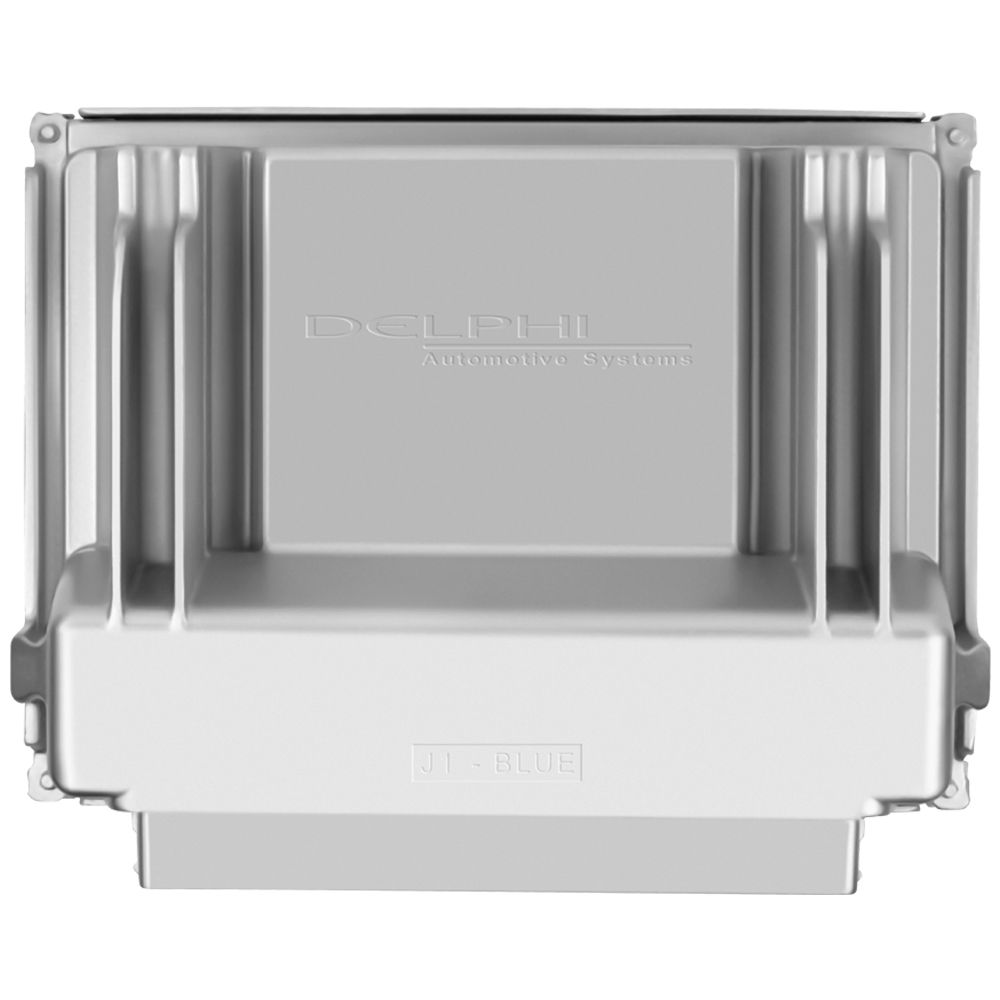
Flagship One stocks a refurbished, VIN-programmed PCM for the 2001 Chevrolet Venture with a lifetime warranty, free shipping and no core charge. The full Chevrolet Venture module lineup covers other engine configurations as well.
The 2001 Chevrolet Venture relies on its PCM for smooth engine and transmission operation. If you’re facing drivability issues or diagnostic errors, a replacement may be necessary. Following factory procedures and opting for a pre-programmed module can simplify the process. Addressing the issue promptly helps avoid further complications and keeps your Venture running reliably.